
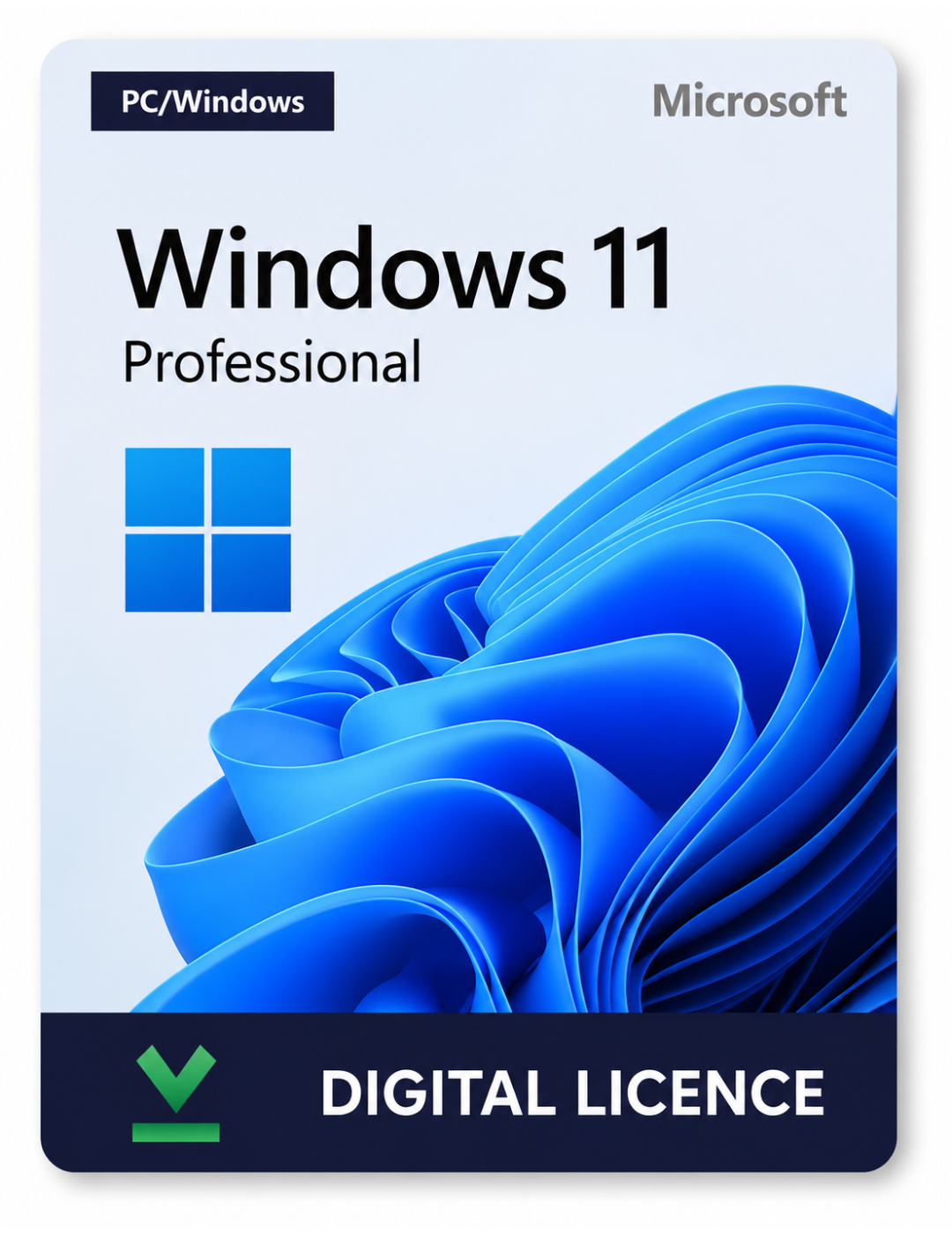

This product cannot be used to upgrade your system from another version. Design your operating system the way you wish with the new and improved tools and features of Windows 11 Pro for business and home use. Activation is instant and tied to this single PC.
Read moreMicrosoft Windows 11 Pro (PC) – Microsoft Key – GLOBAL
$14.90
Genuine Windows 11 Pro digital license key with instant email delivery. Unlock advanced security, business-grade features, and full 64-bit performance for your PC.
Windows 11 Pro – Digital License Key
Windows 11 Pro is Microsoft’s business-ready operating system, built for security, productivity, and performance. This is a genuine digital license key delivered instantly by email — no physical media, no waiting.
Key Features
- Refreshed, modern design — a clean Start menu, Snap Layouts, and a redesigned interface for faster multitasking.
- BitLocker device encryption — protect your data with enterprise-grade security built in.
- Windows Hello — secure, passwordless sign-in with facial recognition or fingerprint.
- Remote Desktop — connect to your PC from anywhere, a feature exclusive to the Pro edition.
- Hyper-V virtualization — run virtual machines natively without third-party software.
- Group Policy & Azure AD support — manage devices and policies in business and domain environments.
- Higher hardware limits — supports up to 2TB of RAM and multiple physical processors.
What You Get
- A genuine, single-use Windows 11 Pro activation key
- Lifetime license — no subscription or renewal fees
- Digital delivery straight to your email after purchase
- Step-by-step activation instructions
System Requirements
1 GHz+ compatible processor with 2+ cores, 4GB RAM, 64GB storage, UEFI firmware with Secure Boot, TPM version 2.0, and a DirectX 12 compatible graphics card.
Note: This license activates one PC. Ensure your device meets Windows 11 system requirements before purchase.
- 1 GHz or faster processor with 2 or more cores on a compatible 64-bit CPU
- 4 GB RAM or more
- 64 GB or larger storage device
- UEFI, Secure Boot capable firmware
- TPM version 2.0
- DirectX 12 compatible graphics / WDDM 2.x driver
- 9" or larger display, 720p or higher resolution
- Internet connection required for activation and updates
- Open Settings > System > Activation (or Start menu search for "Activate").
- Select Change product key.
- Enter the 25-character key exactly as it appears in your order confirmation email.
- Click Next and follow the prompts. A restart may be required.
| Package | Single Key, Bundle of 3 (Buy 2, Get 1 Free) |
|---|
2 reviews for Microsoft Windows 11 Pro (PC) – Microsoft Key – GLOBAL
Clear filtersHow to Create a Bootable Windows 11 USB
Turn your key into install media so you can do a clean install or reinstall Windows 11 on any PC.
- 1
Grab the Media Creation Tool
From a working PC, open Microsoft's official Windows 11 download page and download the Media Creation Tool. It's a small program that handles the download and USB setup for you.
- 2
Plug in a USB flash drive (8GB or more)
Use a spare drive - everything currently on it will be erased during this process, so move any files you want to keep somewhere else first.
- 3
Run the tool and accept the prompts
Launch the downloaded .exe, accept the license terms, then choose "Create installation media for another PC" and pick your language and edition (Windows 11, matching your key).
- 4
Select "USB flash drive" as the media type
The tool will download the Windows 11 files and write them to your drive automatically. This can take anywhere from 15 minutes to over an hour depending on your connection.
- 5
Boot the target PC from the USB
Restart the computer you want to install Windows on with the drive plugged in, and enter its boot menu (commonly F12, F2, Esc or Del right at startup) to boot from the USB instead of the hard drive.
- 6
Enter your key when Setup asks for it
During installation you'll be prompted for a product key - enter the one from your order confirmation email to activate Windows 11 Pro.
Back up anything important before a clean install - it wipes the target drive. If your PC came with Windows 11 already, its key is often stored in the firmware and gets picked up automatically, so you may not even need to type one in.
Why Buy From Licensaro
Keys We'd Actually Use Ourselves
Every license we list is genuine and unused. If one ever refuses to activate, we make it right - full stop.
In Your Inbox Before You Finish Your Coffee
No courier, no tracking number. Your key hits your email the moment checkout completes.
Actual Humans, Not a Ticket Queue
Stuck mid-activation at 2am? Someone on our team is reachable around the clock to sort it out.
Refunds Without the Runaround
A key that won't activate isn't your problem to solve - tell us and we'll replace it or send your money back.
The Sticker Price Is the Real Price
What you see at checkout is what you pay. No surprise service fees tacked on at the last step.
Your Card Details Stay Yours
Every transaction runs over an encrypted connection, so nothing about your payment sits exposed.
No Fine Print Worth Squinting At
Plain policies, a real person to talk to, and nothing buried in the terms - we stand behind what we sell.
Related products


Thomas –
Clean activation. No issues at all.
Marcus Thompson –
Got the key in my inbox about 4 minutes after paying. Activated fine on a fresh install. No drama.